Quick Guide
items:
- label: "1. Scare" text: "Check the neighbor's displayed scare chance or requirement and succeed at the door."
- label: "2. Steal" text: "Take the package and run back to Base while avoiding pursuit."
- label: "3. Process" text: "Place it in Base and wait for a Minion to break it."
- label: "4. Open" text: "Open the processed package, then keep, equip, display, or sell the item."
- label: "5. Reinvest" text: "Use the income for Scare, Speed, Costumes, Speed Auras, Minions, and Base management."
Scare Your Neighbor packages are a pipeline, not an instant reward. You must scare the neighbor, carry the package home, let your Minions process it, and then decide what to do with the item inside. This route is the practical way to turn a successful scare into collection progress and Base income.
How the package loop works
The useful decision is identifying which part of the loop is failing. If the target will not scare, improve Scare. If you lose the package while running home, improve Speed. If packages pile up at Base, improve Minions or clear storage.
Carry the package back to Base
The escape is a separate risk from the scare check. Once you have the package, run directly to Base and avoid the pursuing neighbor. Speed improves movement and is especially important when a stronger target can catch you.
If a neighbor catches you or the package is dropped, treat the attempt as a failed delivery and return to training rather than assuming the package was secured. A successful scare alone does not complete the package cycle; the package must reach Base.
Process packages with Minions
Place the package in an available Base position. Minions then break packages over time, after which you can open them. Minions are the efficiency upgrade: they do not replace the scare or escape steps, but they reduce the waiting bottleneck once packages are safely home.
Process and open a package at Base
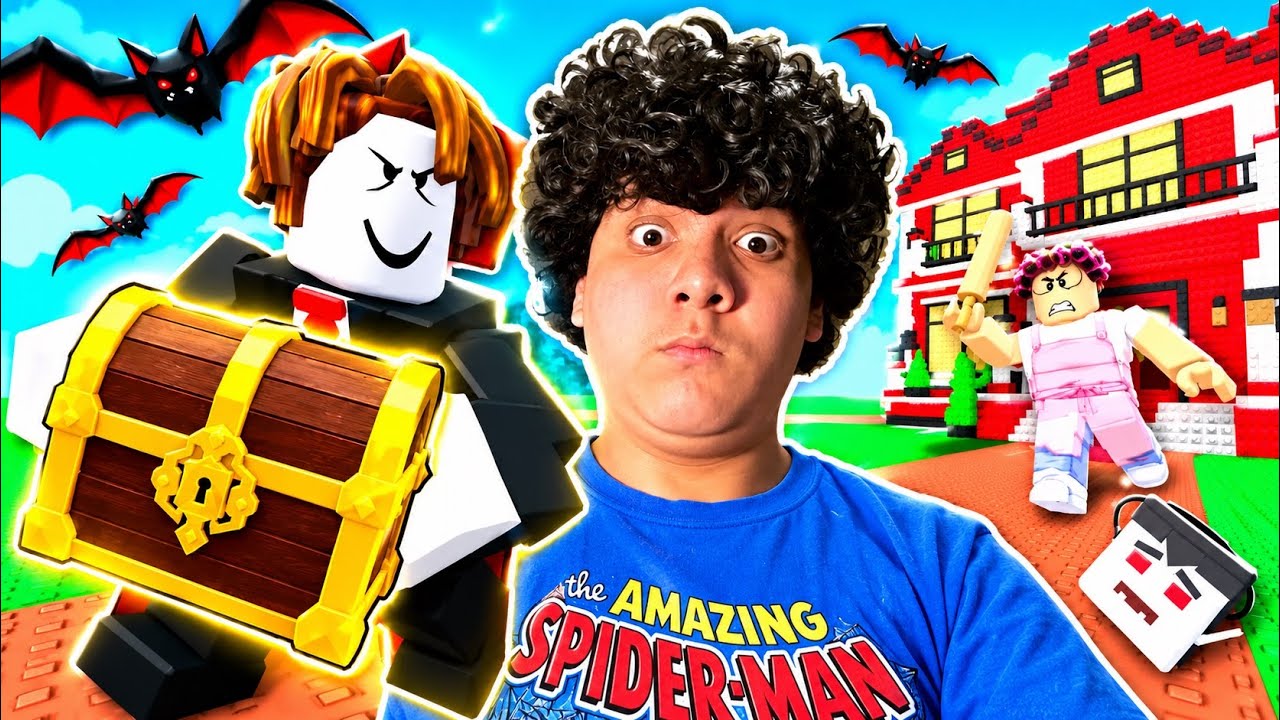
This moment supports the processing section by showing a stolen package brought to Base, processed by Minions, and opened for a Snow Globe reward.
When your Base is filling up, stop stealing temporarily and process or open what you already have. The supplied records do not document a fixed number of package slots, a universal processing duration, or a complete Minion speed table, so use the live Base display for those values.
Choose what to do with the reward
Recorded openings show items such as Snow Globe, Penny, Dice, Lava Lamp, and Toy Robot. See the Items guide when deciding which reward to place, equip, or sell. These examples demonstrate the reward flow, not a complete or ranked drop list. Other observed item types include collectible objects that can generate money over time.
Use this simple Base decision rule:
- Keep or display a high-income item when it improves your ongoing money production.
- Equip an item when it is useful for your current progression and the game allows it.
- Sell weak or repeated items when Base space is the immediate constraint.
- Reinvest the money into the stat or Minion upgrade that addresses your current failure point.
Do not compare items using a fixed price or income number from this guide. The supplied evidence does not provide a complete value table, and item value can be affected by what is currently shown in your Base.
Improve package quality and efficiency
Better package access is tied to progression rather than a separate package button. Move through the loop in this order:
- Train Scare to qualify for a stronger neighbor.
- Train Speed to survive the return trip.
- Upgrade Minions when safe packages are waiting too long.
- Buy Costumes or Speed Auras when they help meet the next target's requirements.
- Expand your usable Base space by opening, equipping, displaying, or selling existing items before another stealing run.
The evidence indicates that tougher Neighborhoods generally offer better package quality, but it does not document a full neighborhood-to-package mapping. Consider a higher area a progression opportunity, not a guaranteed named reward source.
Package mistakes and recovery
The scare fails: Check the target's displayed chance or requirement, then train Scare or choose an easier neighbor.
The neighbor catches you: Train Speed, improve your route, and retry only when you can reliably reach Base.
Packages wait too long: Upgrade Minions and avoid adding more packages until the Base queue is under control.
Base is full: Open processed packages, keep only useful items, and sell low-value or duplicate items.
You are unsure which item is best: Compare the income shown by your live Base and preserve the stronger producer; no complete fixed item-value list is documented here.
Your next run should target the current bottleneck: Scare for access, Speed for delivery, or Minions and space for throughput.
SourcesReviewed October 30, 2026
https://www.roblox.com/games/124710677460732/Scare-Your-Neighbor
https://www.youtube.com/watch?v=_ntLMl-vV4Q
https://www.youtube.com/watch?v=Idyg0ossWVg
https://www.youtube.com/watch?v=uQgq49VuXY4
The official Roblox listing establishes the game identity and public game URL. The dated gameplay records show the scare, package-carrying, Base placement, Minion processing, opening, and item-management sequence. They also show individual reward examples and a 75% scare-chance display, but do not establish complete drop rates, package tiers, fixed prices, processing times, storage limits, or an exhaustive neighborhood mapping. In-game values and requirements shown in the live experience take precedence when they differ.